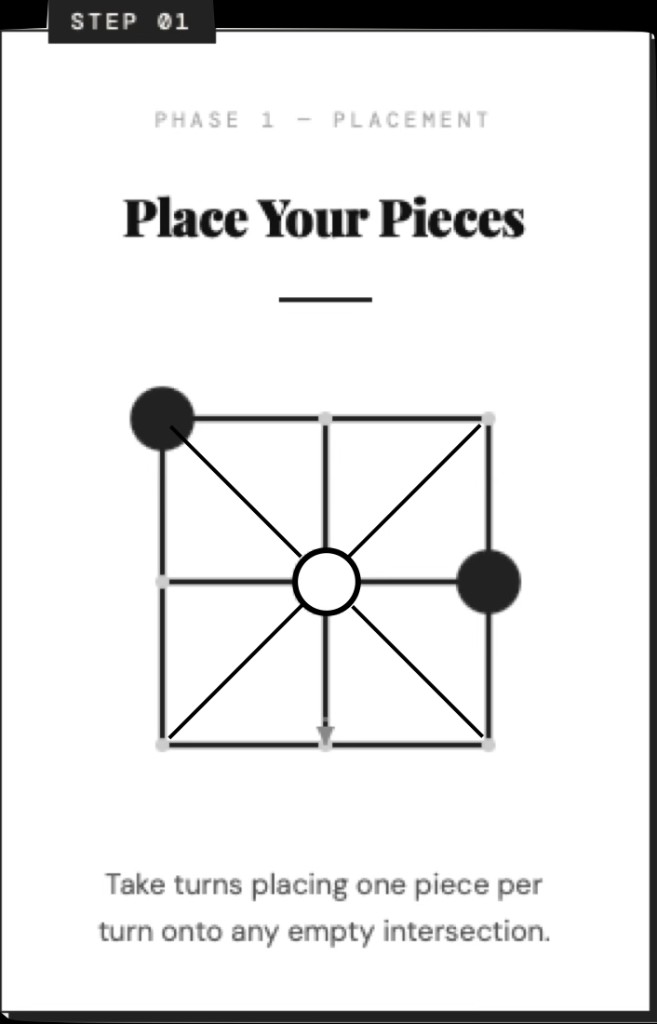
Phase 1 — Placement
Take turns placing one piece per turn on any empty space. Keep going until all six spheres are on the board.
PLACE · SLIDE · WIN
A classic game with a twist. Place your pieces, then slide them along the grooves to outmaneuver your opponent — not by shifting whole rows, but along the connections that matter.
Vs AI or pass-and-play · Quick sessions · Native on Apple
Purpose-made animation (~9s) — shows placement and sliding; not an iOS screen recording. Use controls to pause or unmute.
The same SlideTac identity from phone to TV to Mac — dark wood tone, serif title, spheres ready to slide.
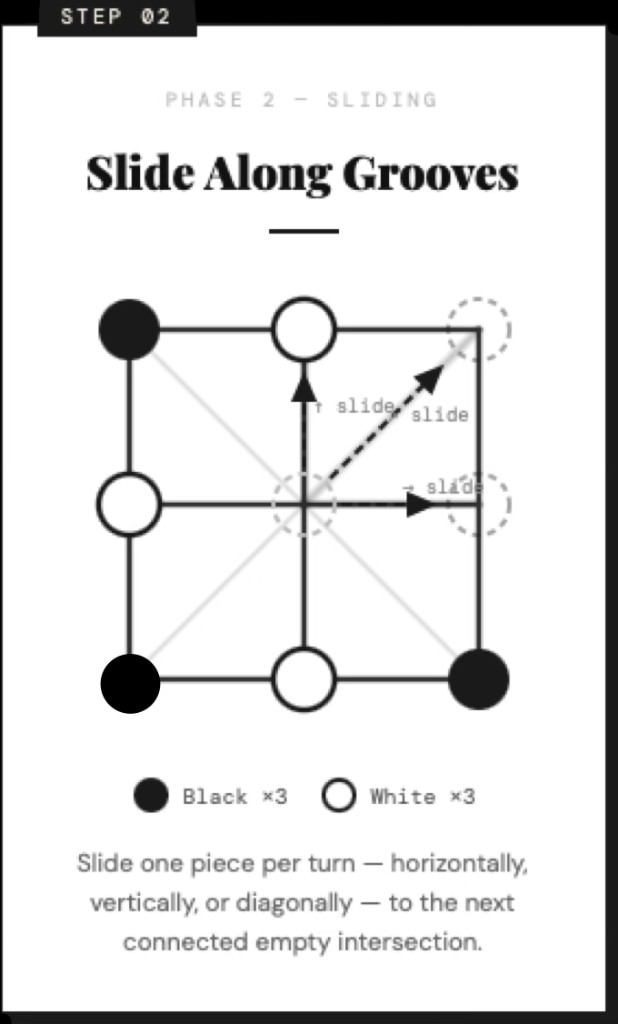
Gameplay
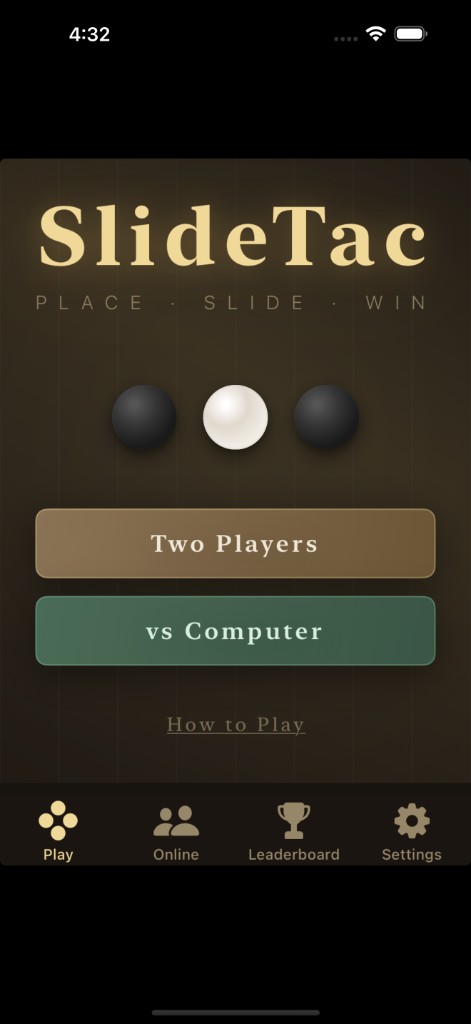
iPhone

Apple TV
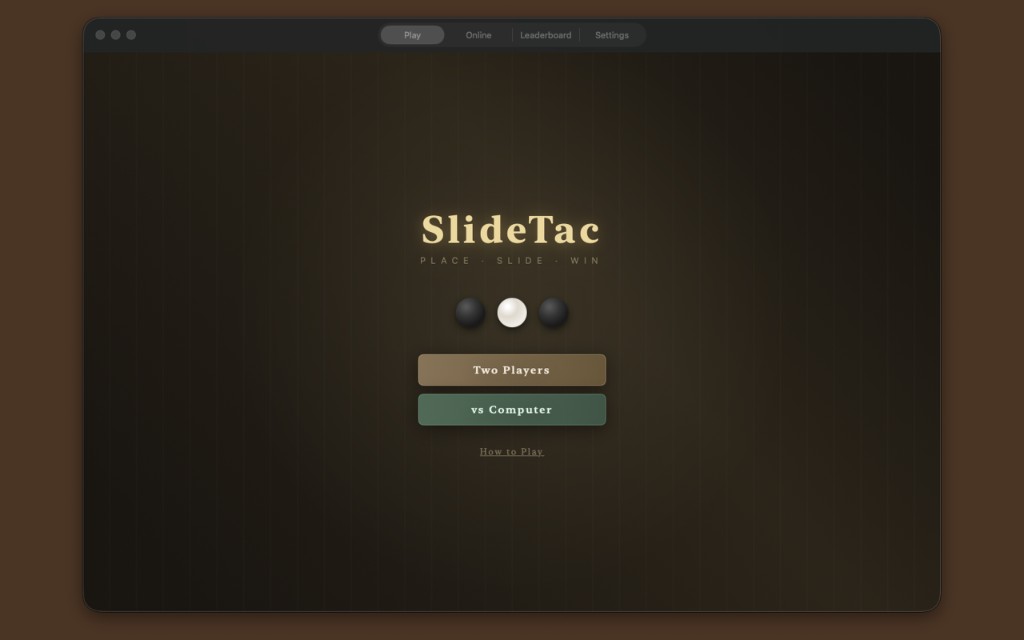
Mac
Three instructional beats — same rhythm as the tabletop game, built for the screen.
Take turns placing one piece per turn on any empty space. Keep going until all six spheres are on the board.
Slide one piece per turn along a groove to a connected empty intersection. The app’s groove graph keeps movement fair and tactical.
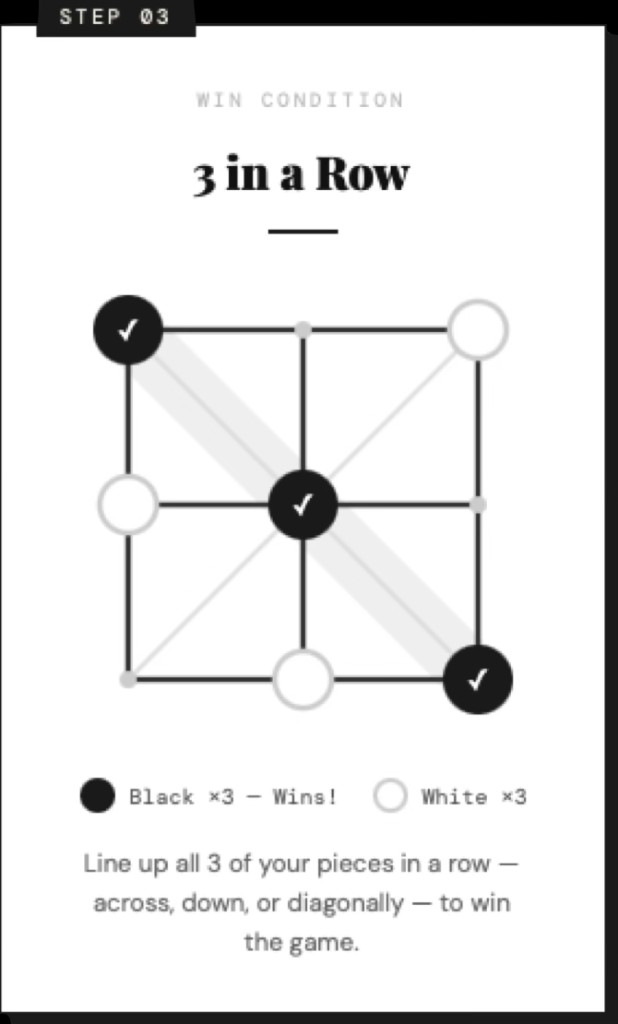
Line up three of your pieces in a row — across, down, or diagonal. When they align, you win.
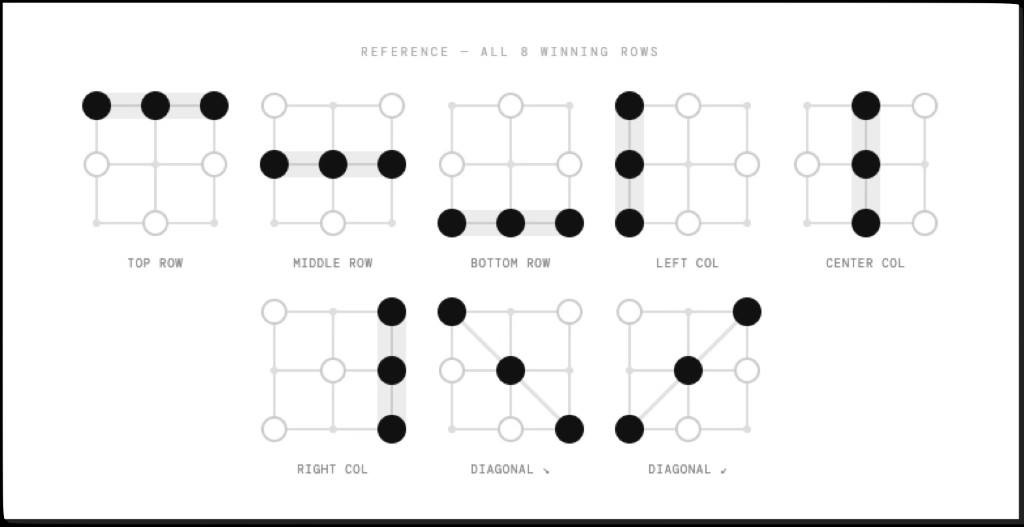
Same eight lines as tic-tac-toe — three across, three down, two diagonals.
Pieces keep moving along grooves — new threats and blocks every turn, not a static grid.
Couch, desk, or pocket — SwiftUI on iPhone, iPad, Apple TV, and Mac.
Free with ads; optional one-time purchase to remove ads. No account required for local play.
In classic tic-tac-toe, games often dead-end in a tie. In SlideTac, pieces keep moving along grooves — the board doesn’t freeze. Strategy keeps evolving; every slide can open a new line or expose a threat.
Digital app (this site’s product): movement follows a fixed groove graph (not free row/column shifts), repeated positions in the sliding phase aren’t allowed, and there’s a slide-move cap so games end fairly. Full digital rules →
SlideTac is a board strategy game on a 3×3 grid. Players take turns placing pieces until each side has three on the board, then enter a sliding phase: pieces move only along fixed grooves between cells (not arbitrary row/column shifts). You may not return to a board position that already occurred in the sliding phase. If no one wins, the game draws after 30 slide moves. Wins use the same eight lines as tic-tac-toe.
Practice anytime — no account required.
Two players, one device — great on iPad or Apple TV.
Apple TV + Siri Remote — lean back, think ahead.
Tuned for touch, pointer, trackpad, and remote.
Free download. Optional remove-ads purchase.
Open in App StoreYes. Free with ads. A one-time Remove Ads purchase turns off banner and interstitial ads.
Vs AI and pass-and-play do not need a network for core gameplay.